
Valorant Crosshair Codes Guide: Share, Import & Master Pro Reticles
Master Valorant crosshair codes with this evergreen guide. Learn what crosshair codes are, how the code system works, and how to import, share, and troubleshoot the best configs for your playstyle.
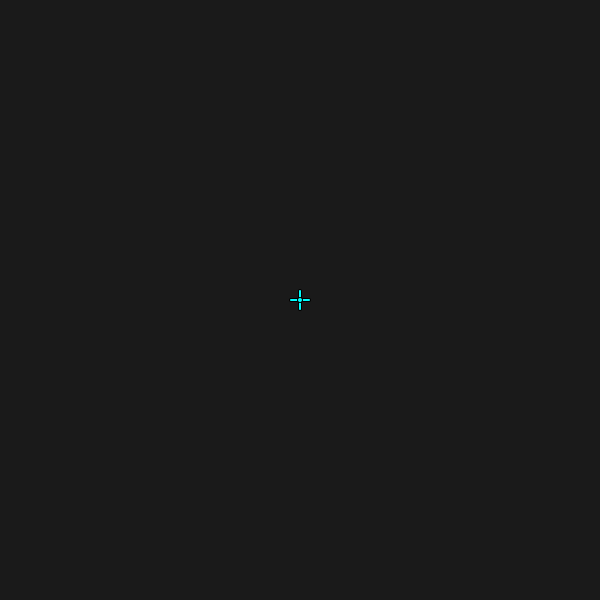
This Valorant crosshair codes guide breaks down everything you need to know: what these short alphanumeric strings actually are, how the code system encodes an entire reticle, and how to find, import, share, and troubleshoot configs like a pro. Whether you want to clone TenZ's crisp dot or build your own from scratch, you'll leave with a clear workflow. For a curated library of proven setups, browse our professional crosshair database.
What Are Crosshair Codes, Exactly?
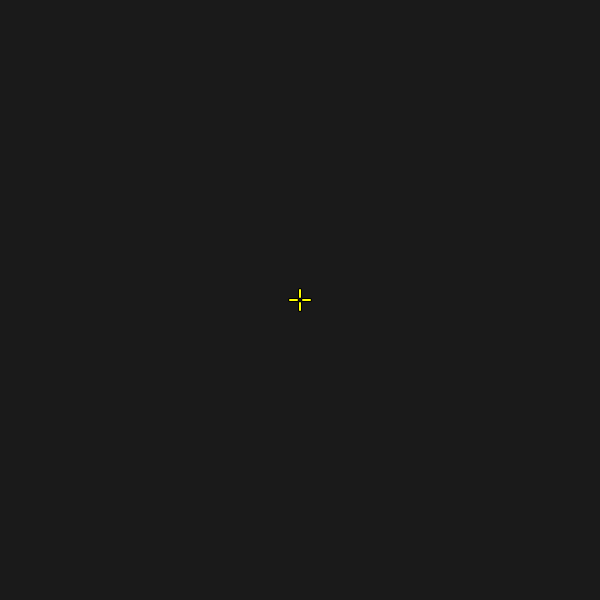
Think of it as a save file for your aim. Riot designed the system so players could replicate exact setups across accounts, machines, and friends. A code typically looks something like 0;P;c;5;o;1;d;1;z;3;f;0;0t;4;0l;1;0o;2;0a;1;0f;0;1t;0;1l;0;1o;0;1a;0;1m;0;1f;0 — a semicolon-separated list of parameter-value pairs the client reads and applies.
The beauty of the format is portability. One string, pasted into any client, reproduces the exact reticle a champion used on stage. No guesswork, no squinting at low-res screenshots to count pixels.
How the Crosshair Code System Works
The Encoding Logic
Under the hood, the string maps to the same fields you'd tweak manually. Each segment is a token followed by its value. The first character usually identifies the category: P for primary crosshair, c for color, o for outline, d for dot, 0t/0l/0o/0a for inner-line thickness/length/offset/opacity, and 1t–1f for outer lines. Movement and firing error live near the end as m and f flags.
You don't need to memorize any of it. The point of understanding the structure is debugging: when a code behaves strangely, you can often tell which segment is malformed.
Why Codes Beat Manual Setup
How to Use Crosshair Codes: Import Step by Step
The import flow is the same whether you're copying a pro's config or a friend's. Here's the clean crosshair code import process inside the game client:
Tip: Valorant lets you save up to 15 crosshair profiles. Use separate slots for rifle, sniper, and pistol configs, or one for serious play and one for fun.
To export your own code, click the Export icon (an upload arrow) on any profile and copy the generated string. That's your personal crosshair code — back it up somewhere safe.
How to Find and Share the Best Crosshair Codes
Sourcing Reliable Codes
Not every code floating around Reddit or TikTok is accurate. Stale, mistyped, or region-specific strings break the moment you paste them. The safest sources are curated databases that verify codes against the live client. Our professional crosshair database is updated as pros tweak their configs, so the code you copy is the code they're actually using.
When evaluating a source, look for:
Sharing With Your Stack
Once you've found a setup that clicks, sharing is trivial. Copy the code from your profile, send it in chat, and your duo can import it before the next round starts. This is invaluable for coordinated teams — everyone can test the same anchor reticle during practice scrims.
If you'd rather design than copy, our crosshair generator lets you build a reticle visually and exports the exact code to paste in-game.
Best Crosshair Codes by Playstyle
There is no single "best" code — only the best code for how you aim. Below are the archetypes that consistently win at high ranks. Each maps to a recognizable style, so pick the one that matches your role.
The Minimalist Dot (Entry Fragger / Duelist)
A tiny center dot with no lines, favored by aggressive aimers who want a laser-pointer reference for one-taps. Less visual clutter means faster target acquisition when you're swinging angles.
The Small Static Cross (Rifler / All-rounder)
The most popular config in competitive play: short inner lines, no outer lines, no dot, no movement or firing error. It frames an enemy's head perfectly and stays still while you strafe. This is the gold standard most pros build from.
The Hollow Box (Anchor / Sentinel)
Slightly longer inner lines that form a small hollow square around the center. The gap lets you see exactly how wide an enemy's head is, which helps when holding tight angles and micro-adjusting onto peekers.
The Sniper Specialist (Operator Users)
Operator mains often run a minimal dot or a tiny plus so the scoped reticle and unscoped reference stay consistent. A clean unscoped crosshair also helps with the quick-swap pistol follow-up.
Fun and Meme Crosshairs
Sometimes the meta grinds you down, and a creative reticle resets your mental. Hearts, stars, smileys, and other novelty designs are surprisingly usable in Deathmatch or Unrated. Explore our fun crosshairs collection when you need a break from the ranked ladder — just don't queue Comp with the Throb.
Customizing Valorant Crosshair Settings From a Code
Pasting a code is the beginning, not the end. Every player's monitor, eyesight, and sensitivity differ, so a pro's exact config may feel off. After importing, fine-tune these valorant crosshair settings until the reticle disappears into your aim:
Rule of thumb: A perfect crosshair is one you don't consciously see mid-fight — it just sits where the enemy's head should be.
Troubleshooting Common Crosshair Code Problems
Codes are robust, but they're not immune to hiccups. Here are the issues players hit most often, and how to fix each one fast.
"The Code Won't Paste or Import"
Usually a stray character. Codes copied from forums sometimes include trailing spaces, quote marks, or markdown formatting. Paste into a plain text editor first, trim anything before the first digit or after the final ;, then re-copy. The client also caps string length — a truncated code will silently fail.
"The Imported Crosshair Looks Different From the Preview"
Check three things: that you imported into a new profile (pasting over an existing one can merge settings), that your resolution and aspect ratio match the source, and that no crosshair-override configs are running. Stretched resolutions in particular distort line length visually even when the code is correct.
"My Settings Reset After Restarting"
You're likely editing the default profile slot, which the client can overwrite during updates. Create a custom profile slot, import there, and rename it. Custom-named profiles persist across patches.
"The Code Is From an Older Patch"
Valorant occasionally retires or reshuffles crosshair parameters. Most old codes still work, but a few may load with default values for deprecated fields. If a code looks broken, grab a freshly verified version from a maintained database rather than a years-old forum post.
Building Muscle Memory With Your Code
A code only helps if you commit to it. The single biggest mistake players make is swapping crosshairs every few days chasing a "magic" config — each change resets the muscle memory your brain built for flick distance and placement.
Once you import a code that feels right, run this settling routine:
Only swap if the crosshair genuinely fails on a specific map or weapon — and if you do, keep your old code backed up so you can return.
Frequently Asked Questions
What are crosshair codes in Valorant? Crosshair codes are compressed text strings that store every setting of a reticle — color, lines, dot, outlines, and error behavior. Pasting one into the Crosshair tab's import box reproduces the exact crosshair instantly, removing the need to adjust sliders manually.
How do I import a crosshair code in Valorant? Open Settings, go to the Crosshair tab, click the Import arrow next to a profile, paste the code into the text box, and confirm. The reticle updates immediately. Save it in a renamed profile slot so the config persists across game updates.
Where can I find the best crosshair codes? The most reliable codes come from curated, verified databases rather than random forum posts. Professional-player databases update as pros tweak configs, so the code you copy matches what they actually use on stage, complete with a rendered preview.
Can I share my own crosshair code with friends? Yes. Click the Export arrow on any of your crosshair profiles to generate a code string, then send it in chat. Friends paste it into their own Import box to clone your exact reticle — perfect for team practice or sharing a setup that's working for you.
Why does my imported crosshair look different than expected? Resolution or aspect ratio mismatches distort line length visually, and pasting over an existing profile can merge settings. Import into a fresh profile slot, match your display settings to the source, and trim any stray characters from the code before pasting.
Conclusion
Valorant crosshair codes turn hours of fiddly slider work into a three-second paste. They let you clone a champion's exact reticle, share configs with your stack, and back up your own aim setup so a reinstall never costs you progress. Understanding what these codes are, how the encoding works, and how to import, customize, and troubleshoot them is the foundation of consistent aim — far more important than chasing the "perfect" config.
Find a style that fits your role, commit to it, and give your muscle memory time to lock in. Start by browsing our professional crosshair database for verified configs, or design your own with the crosshair generator. For more aim and settings deep-dives, explore the rest of our blog. Your next headshot streak starts with the right string.